Agencies Client’s Onboarding
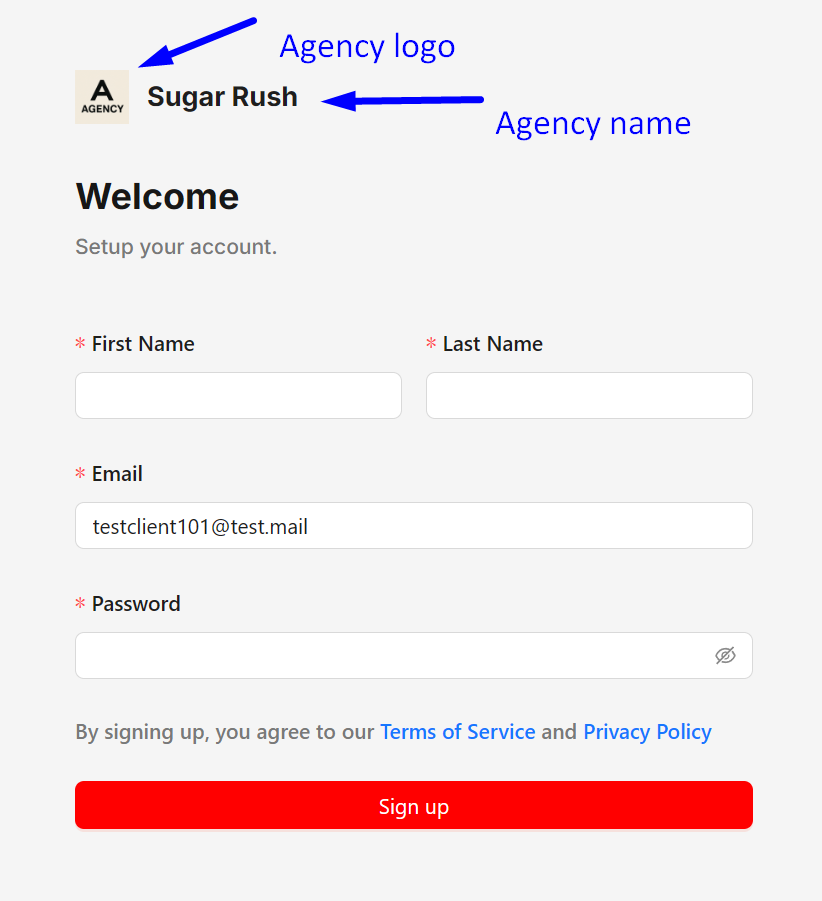
Sign up - The agency must first invite you to the business profile. Once invited, they will provide you with the sign-up link.
After visiting the sign-up link, you'll be directed to the client portal sign-up link.
- The registered email should automatically populated
- Fill in your Name, Last name, and create a Password
**The sign-up and login links vary depending on your agency's domain.
Dashboard - After completing the sign-up process, you'll be directed to your dashboard where you can find more information about your business, such as:
- Analytics Dashboard
- Posts
- Calendar
- Business
- Socials
- Team
- Clients
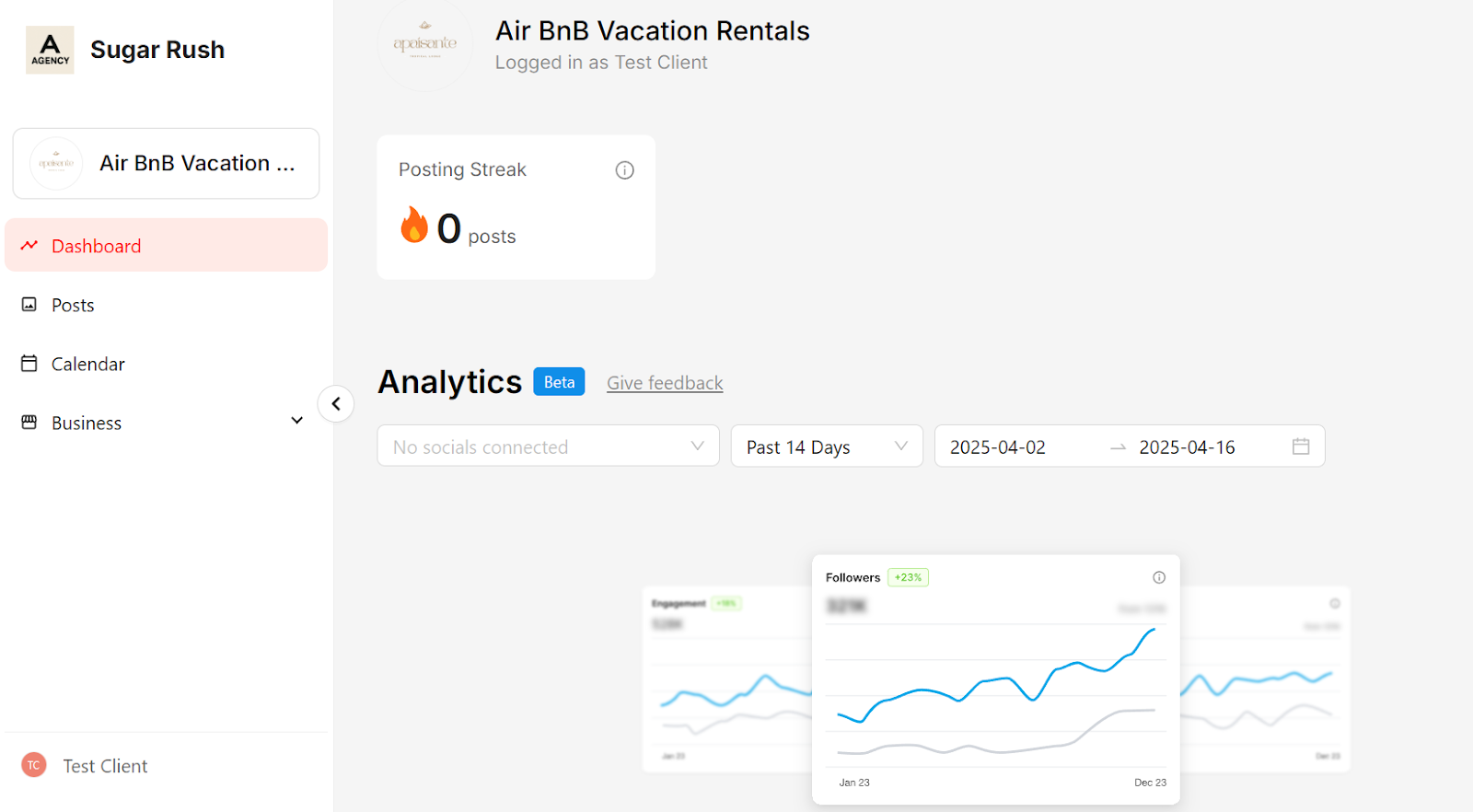
Analytics Dashboard - View key insights from all your connected social media accounts — including followers, post and page impressions, clicks, engagement, and more — all in one place.
**LinkedIn profiles do not provide data.
Posts - All posts marked as ready for review by the agency will appear here. Clients can leave comments, approve posts, or request changes directly from this tab. The agency will get a notice for any request or comments made on each post.

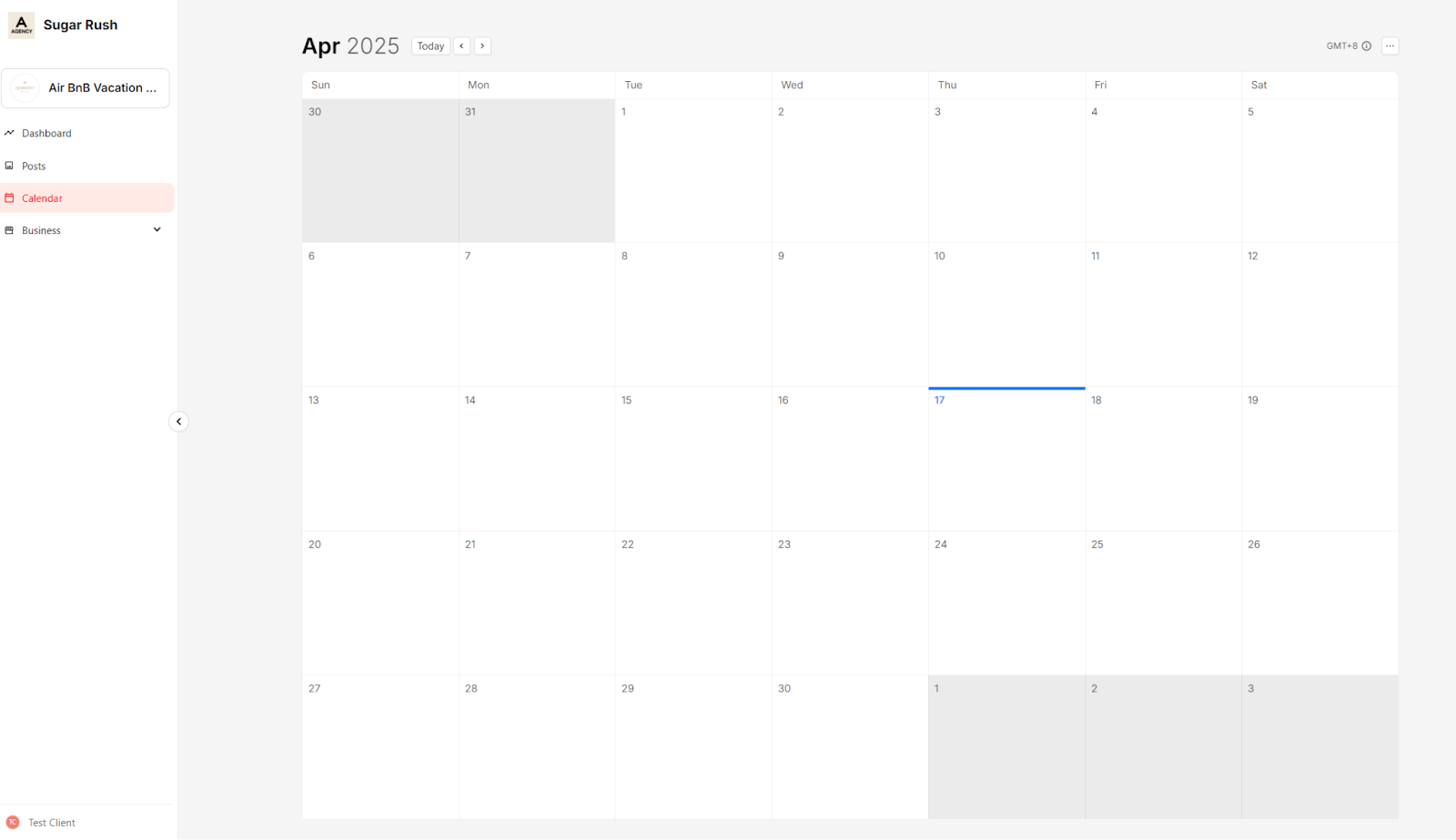
Calendar - This tab displays all scheduled and published posts in a clear calendar view, helping clients easily track their content timeline.
Business
-
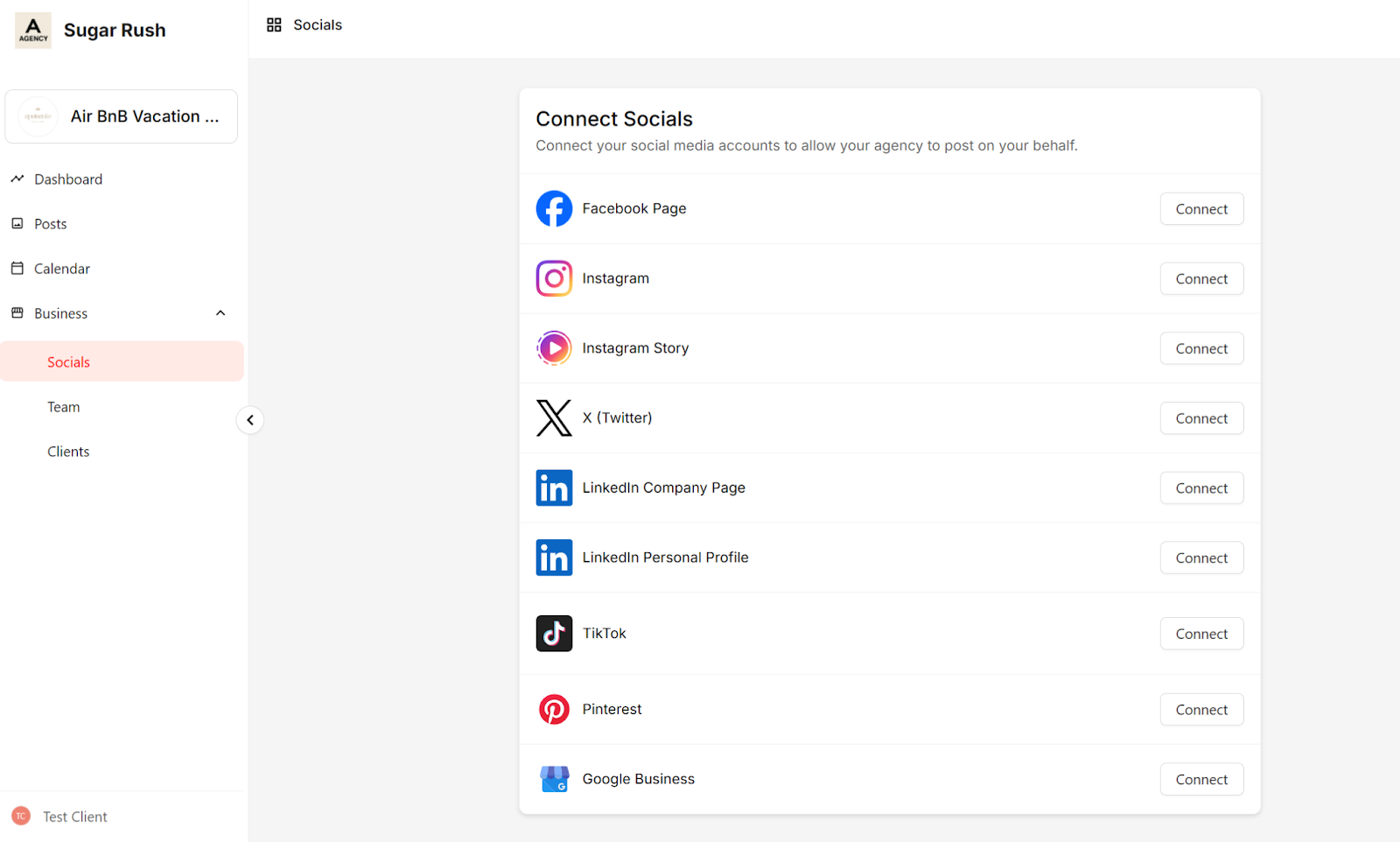
Socials
- Clients can securely connect their own social media accounts without sharing login credentials with the agency, unless absolutely necessary.
-
Team
- Team members work with the agency to manage and create business content. Clients can view the full list of team members for transparency and collaboration.
-
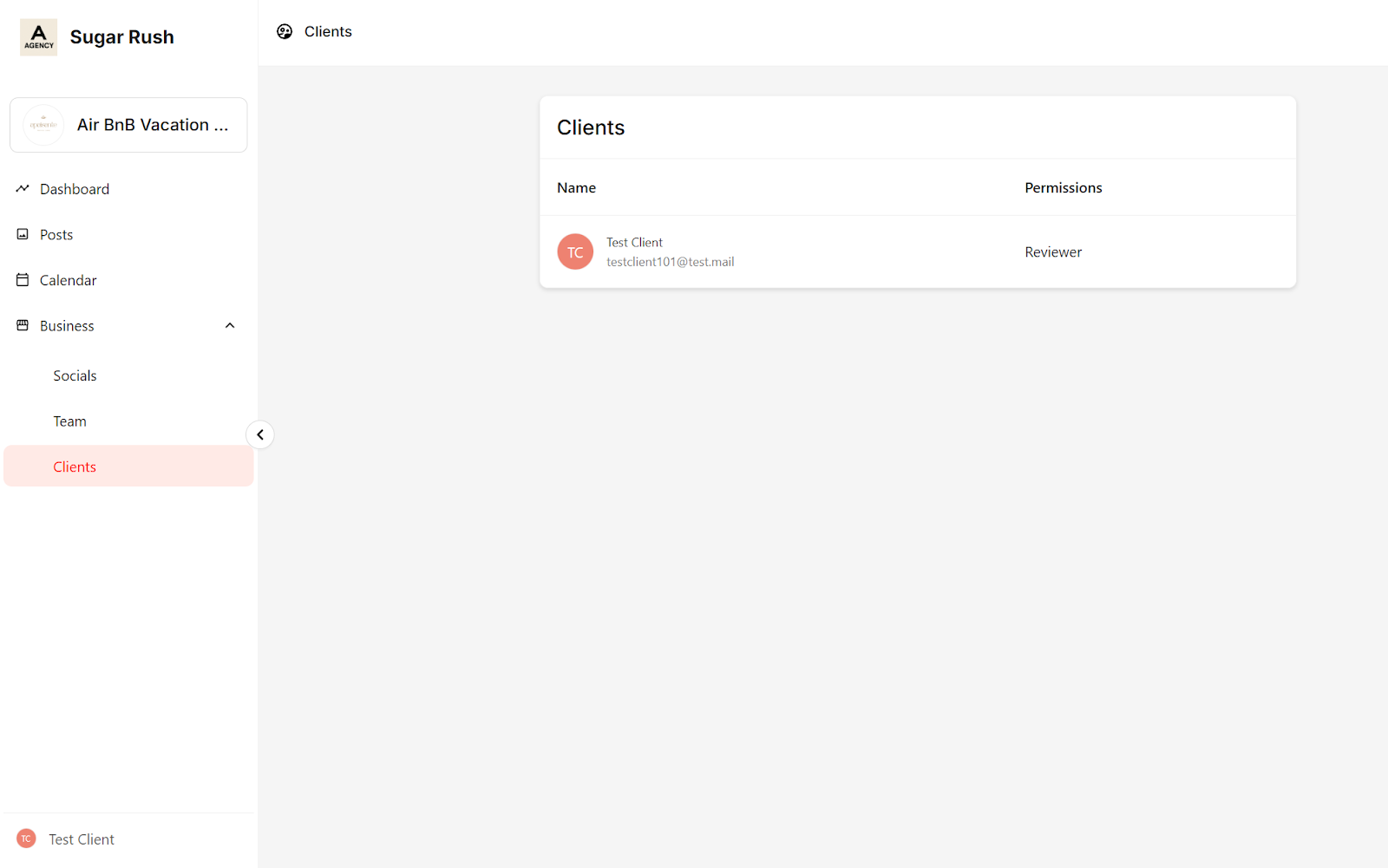
Clients
- All invited clients are listed here. Each client can view the full list of clients associated with the business for transparency and collaboration.