
Square (1:1) is the most universally compatible format across social networks, but Marky lets you set a default post size for each connected social so your content always fits the feed without awkward cropping.
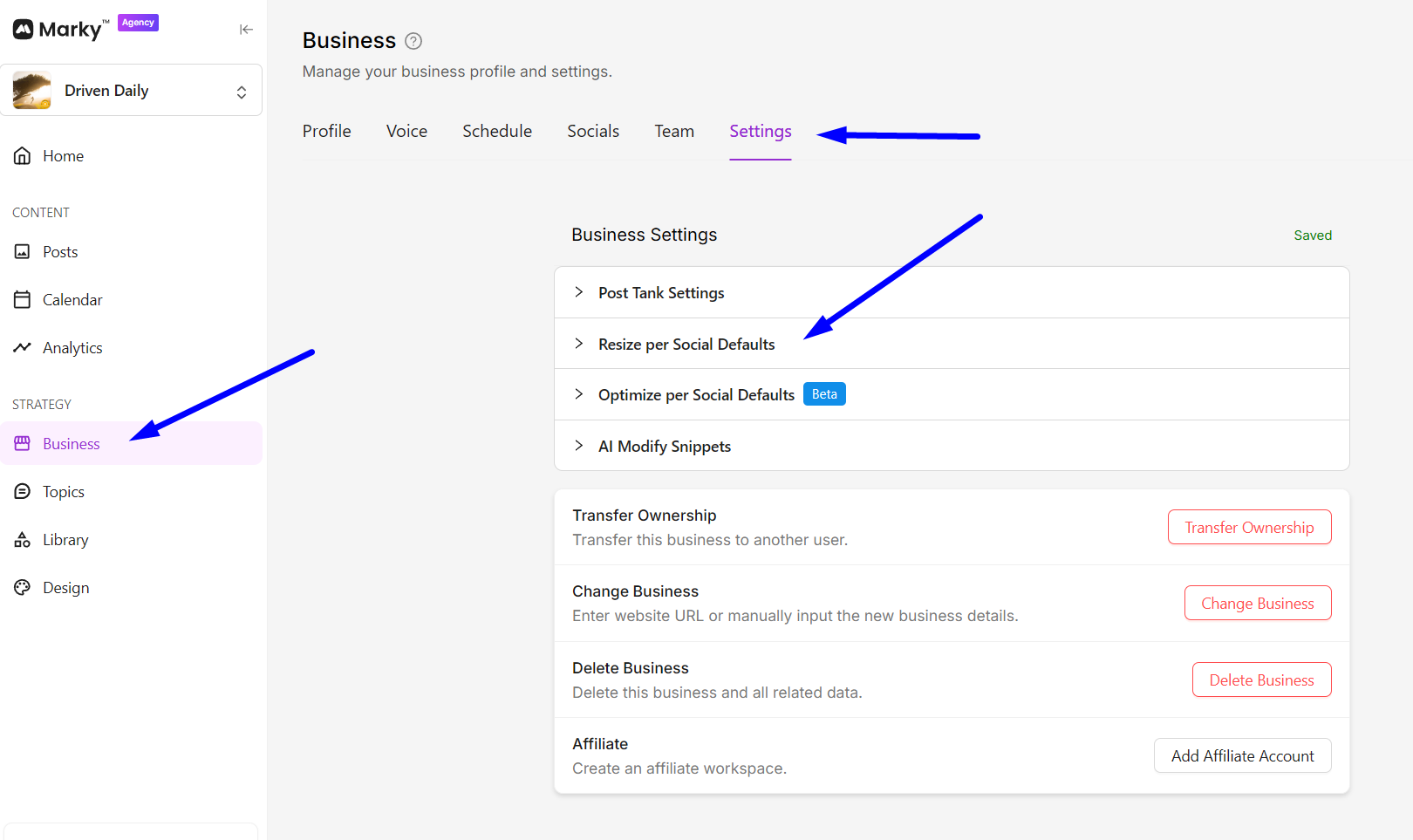
To set your default resize go to the Business tab then Settings >> Resize per Social Defaults.

Suggested defaults by channel (quick reference)
- Instagram: Feed 4:5 (1080×1350); Reels/Stories 9:16 (1080×1920)
- Facebook: Feed 4:5 or 1:1
- TikTok: 9:16 (1080×1920)
- X (Twitter): 16:9 (1600×900) or 1:1 (1200×1200)
- LinkedIn: 1:1 (1200×1200)
- Pinterest: 2:3 (1000×1500)
After setting your default post resize, you may now edit the post and click “Resize for all platforms” or select an specific social media above then “Resize for this platform”
