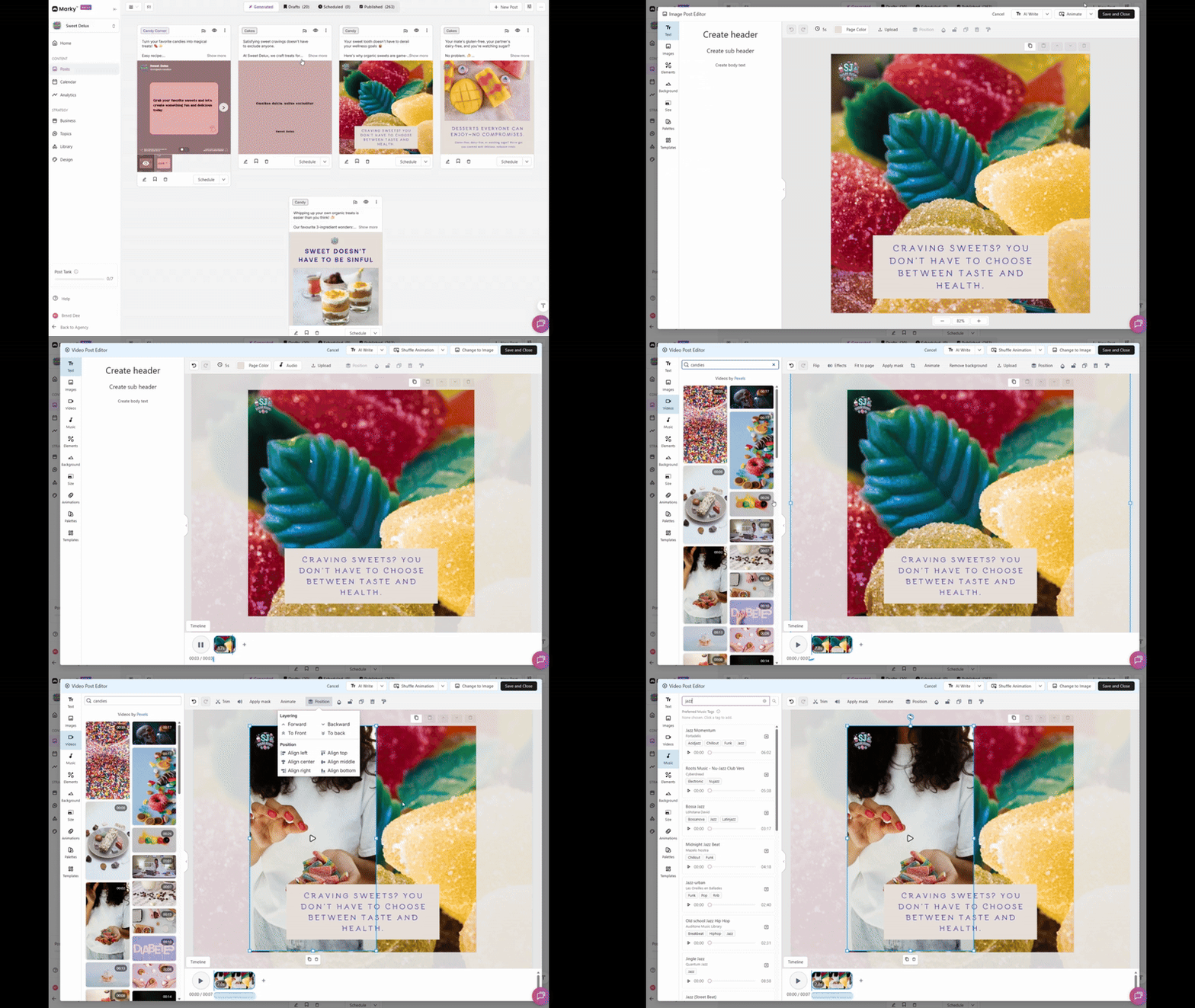
All generated posts can be turned into Video animation
- Click the post you want to edit, then click Edit Design to open the full screen editor.
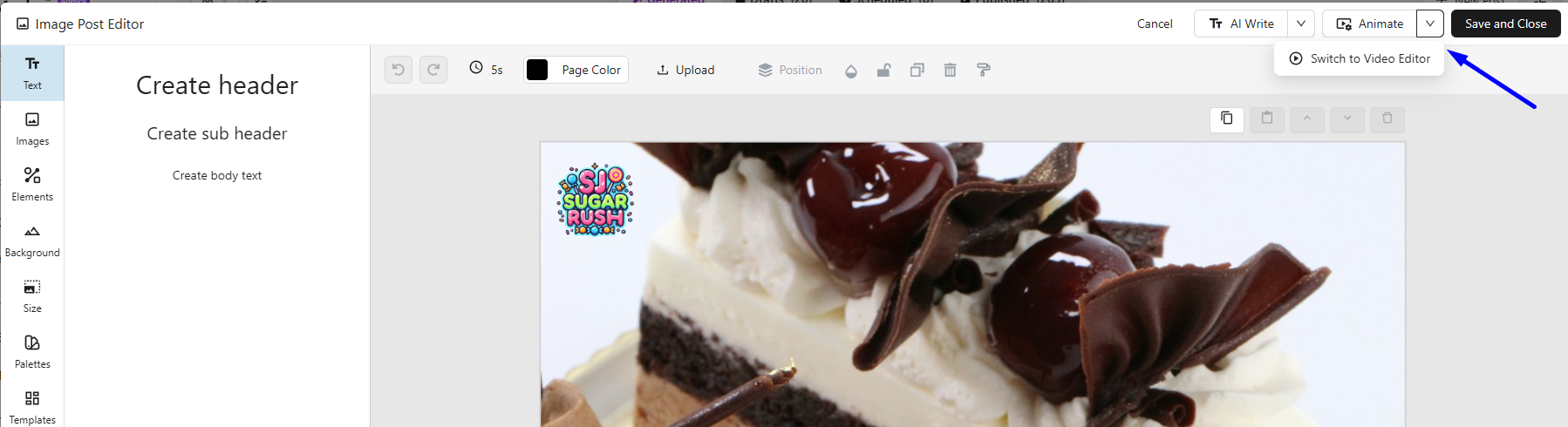
- On the top right of the editor click Switch to Video Editor >> Animate
- Once switched to Video Editor you can now animate all elements of the post, ie. Text, Image, Logo, etc. Video editor allows you to add
- Video clips
- Music
- Adjust all elements and video based on your preference and frames used to the design.